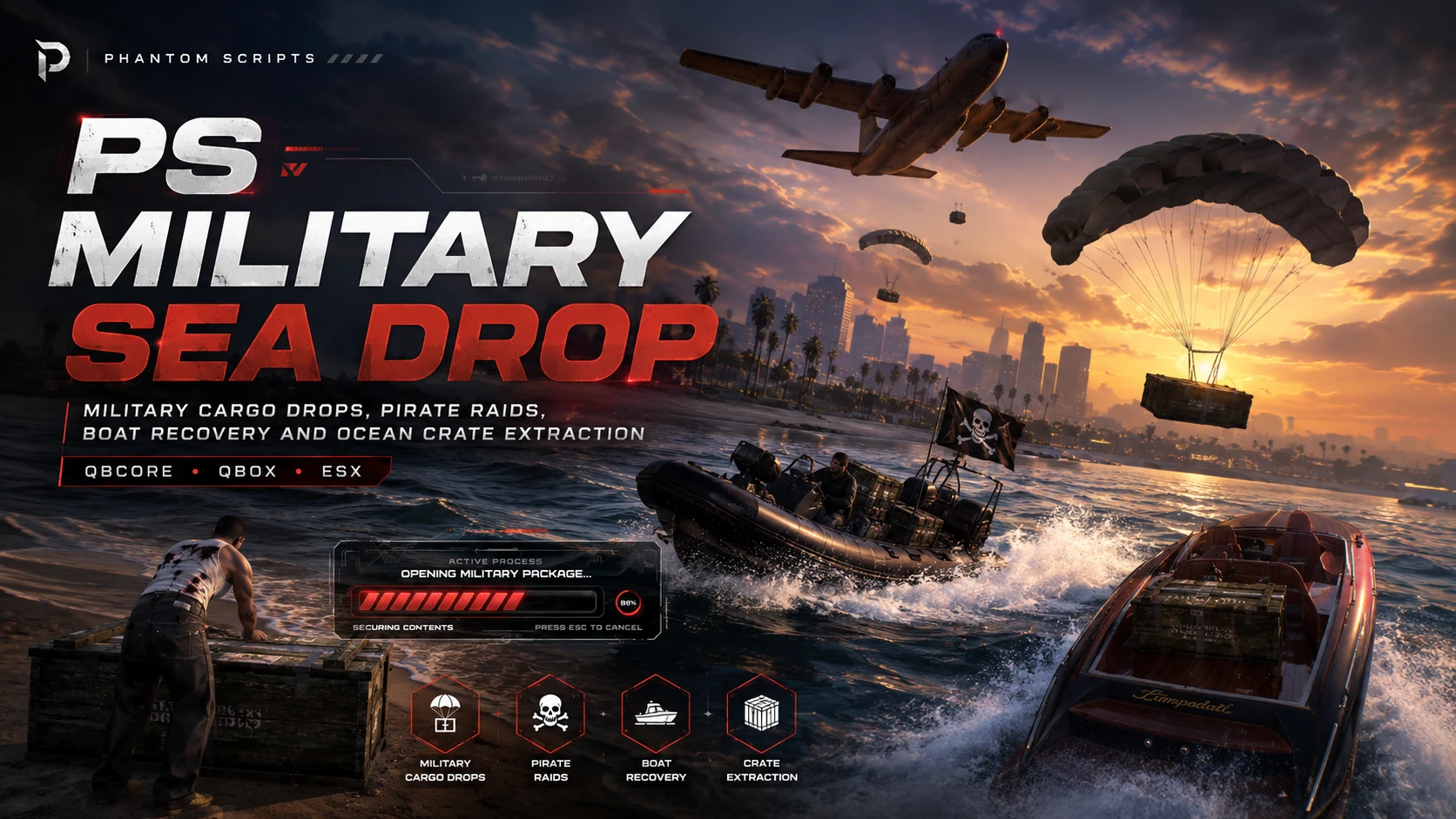
PS Military Sea Drop
Gameplay Systems • v1.0.0

PS Military Sea Drop

A cinematic ocean cargo recovery event with military air drops, rope extraction, boat transport, armed pirate raids and weighted random rewards.

QBCore ESX QBox
£14.90 Last updated: 21 July 2026
Buy Now Cfx.re account required for purchase.

Key Features

✦ Cinematic military cargo plane flyover
✦ Parachute supply crates dropped into the ocean
✦ Automatic or command-based event operation
✦ Fixed or random automatic event intervals
✦ Random or fixed configured drop locations
✦ Rope-based crate pulling with synchronized release positions
✦ Boat cargo loading, transport and unloading
✦ Model-specific boat cargo placement and capacities
✦ Armed pirate boat raids with dynamic navigation
✦ Pirates target the newest available floating crate
✦ Each pirate boat steals one crate before escaping
✦ Pirates retreat when their target is recovered or opened
✦ Claimable pirate boats with key and fuel compatibility
✦ Animated crate opening and modern loot popup
✦ Weighted multi-item rewards with item aliases
✦ Weapons, ammunition, armour and attachments
✦ QBCore, Qbox and ESX support
✦ Eleven included languages

Video / Guide

Full Description

PS Military Sea Drop is an action-packed ocean event for FiveM roleplay servers. A military cargo aircraft drops supply crates into the sea, and players must recover them by rope or boat before armed pirate crews steal the cargo. Larger boats can transport more crates, pirate boats target the newest available package, and defeated pirate vessels can be captured and used to bring the recovered cargo back to shore. The resource includes automatic or manual event scheduling, configurable locations, animated crate opening, weighted multi-item loot, framework and inventory bridges, and eleven included languages.

Requirements

  • FiveM server with OneSync enabled
  • QBCore, Qbox or ESX framework
  • qb-inventory, ox_inventory, ESX inventory or a compatible configured inventory
  • Configured reward item names and images in the active inventory
  • Open-water drop zones suitable for aircraft, crates and pirate boats

Installation Guide

This product page only shows the essential installation information. Full setup, configuration and every extra detail are available in the documentation.

  1. Upload the ps-military-sea-drop folder to your resources directory.
  2. Start the framework and inventory resources before PS Military Sea Drop.
  3. Configure framework, inventory, notifications, locale, drop zones and reward items in config.lua.
Open Documentation Full installation, config and resource information.

Changelog

No separate changelog yet. This product is currently on its first public release.

Recommended Scripts

More resources for your RP server.